
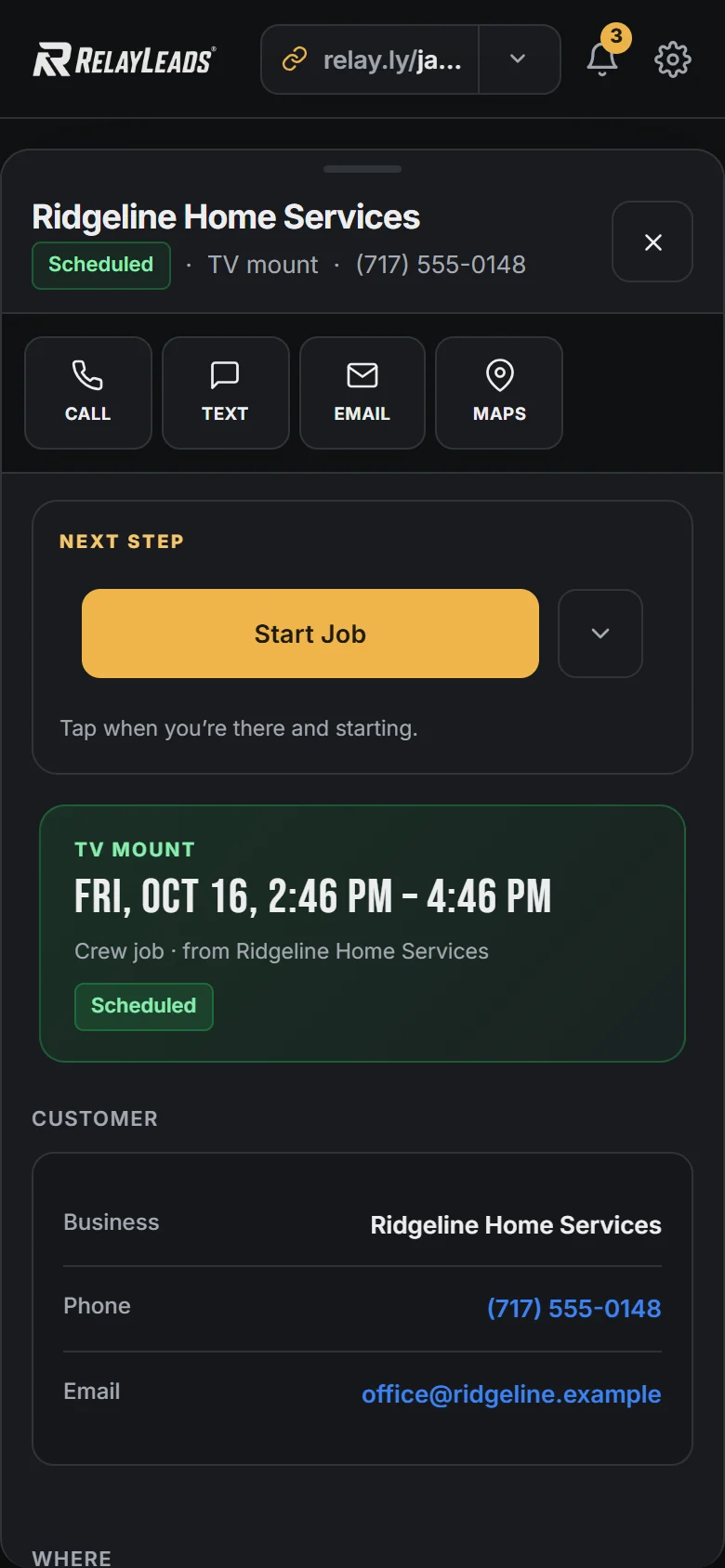








Booked means confirmed
The moment a job books, the customer gets a confirmation by text and email with the details and their private booking link.

Automated Reminders
Confirmations and reminders go out on their own.
Start here We'll find your business on Google and build your booking page.
Free plan · No credit card
The moment a job books, the customer gets a confirmation by text and email with the details and their private booking link.
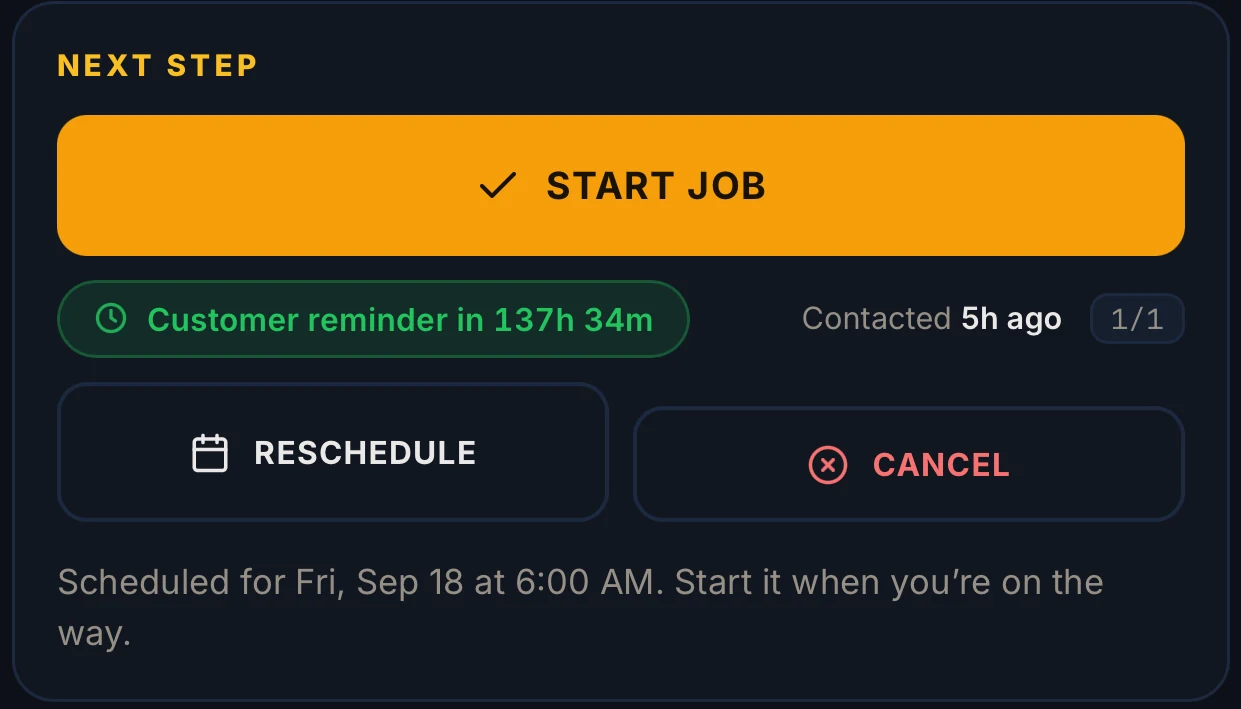
A reminder goes out ahead of the appointment — and it's wired to the booking itself: a reschedule re-arms it, a cancellation kills it. No stale reminders, ever.
When a deposit sits unpaid, a hold is about to lapse, or a new lead hasn't heard from you, Relay nudges you. One tap sends the customer a payment reminder by text and email.
RelayLeads is what your customers see. RelayOS is the app you run it from. How they fit together →
Customers get booking confirmations, a reminder text 24 hours before the job, and reschedule and cancellation notices. You get nudges when an invoice sits unpaid, a hold is about to expire, or a new lead hasn't been contacted. A payment reminder to the customer is one tap.
Your business name, honestly attributed: "Your Business (via RelayLeads)".
The reminder re-arms itself around the new time, and the calendar event moves with it. Cancelling kills both. You never send a reminder for a job that moved.
Enter your business. We build the rest.
Free, takes about two minutes, no credit card. Your page, booking flow, and dashboard — built from a few quick questions.
Start here We'll find your business on Google and build your booking page.