



Hand off a part
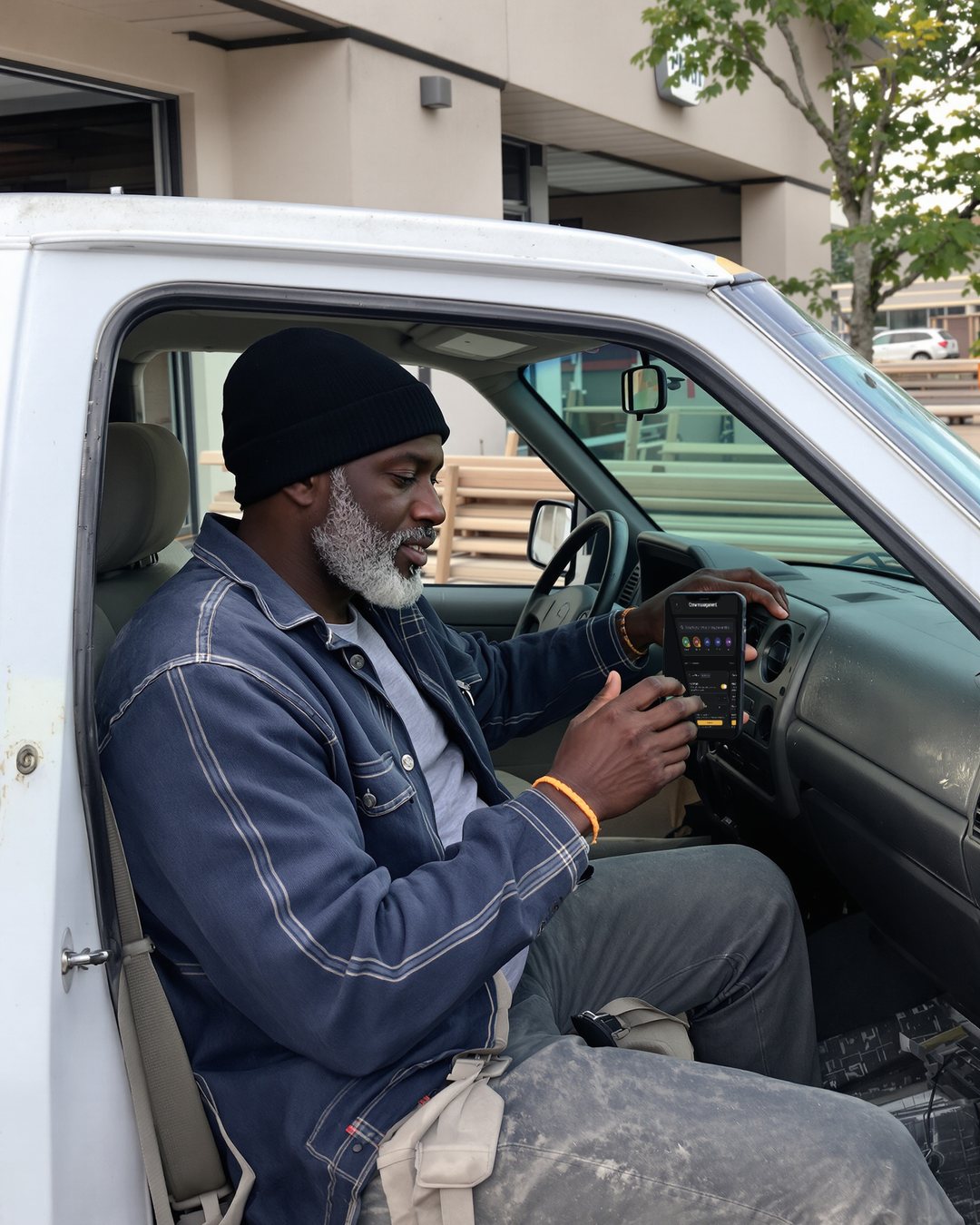
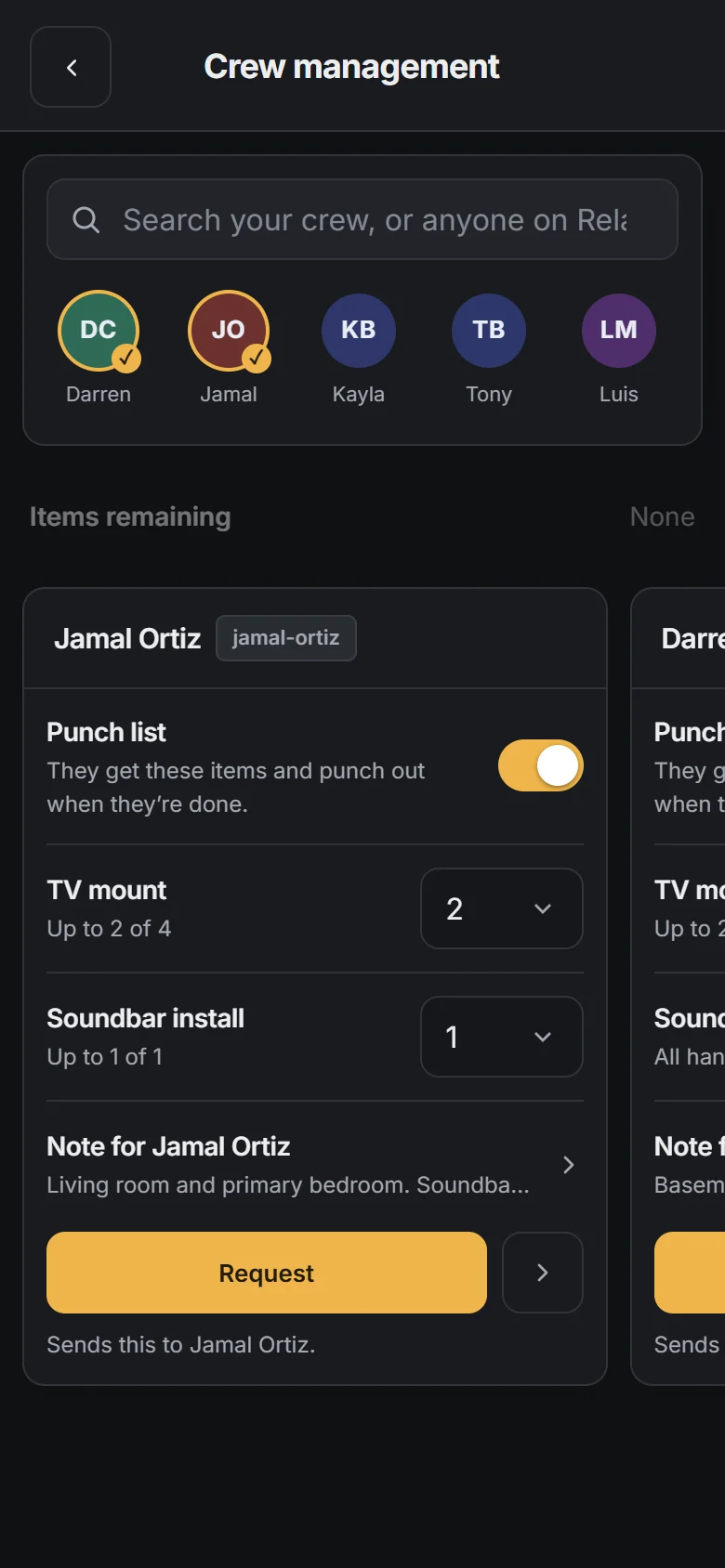
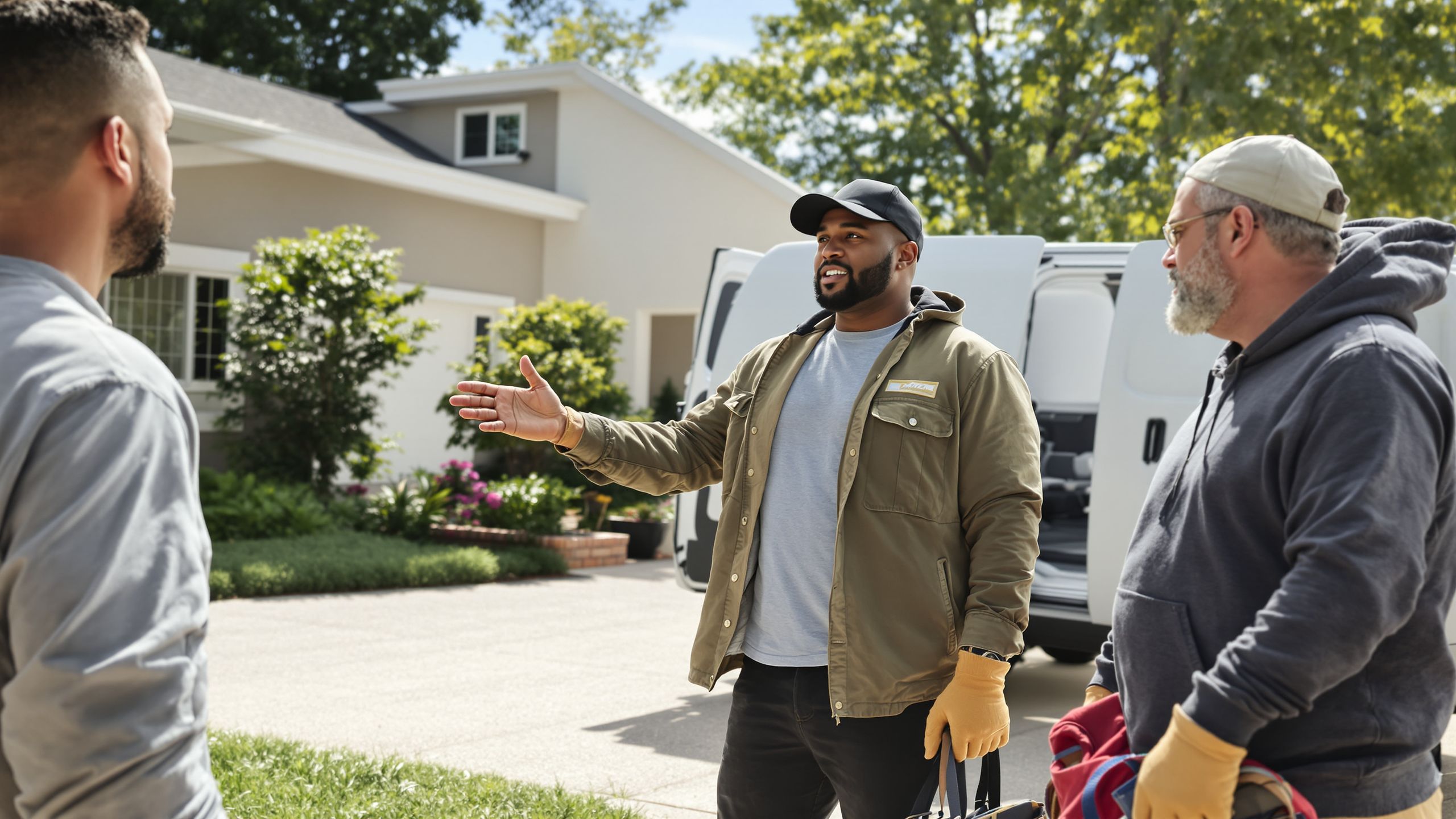
Before the job starts, tap the people you're bringing and give each one their items or a note. Their phone buzzes and the job lands in their own app.
Crews · RelayLeads Pro
Send each person their part of the job.
Start here We'll find your business on Google and build your booking page.
Free plan · No credit card
Before the job starts, tap the people you're bringing and give each one their items or a note. Their phone buzzes and the job lands in their own app.
Claiming unlocks the address. Start opens 15 minutes before the job. Punching out records what got done, a reason for anything that didn't, and photos.
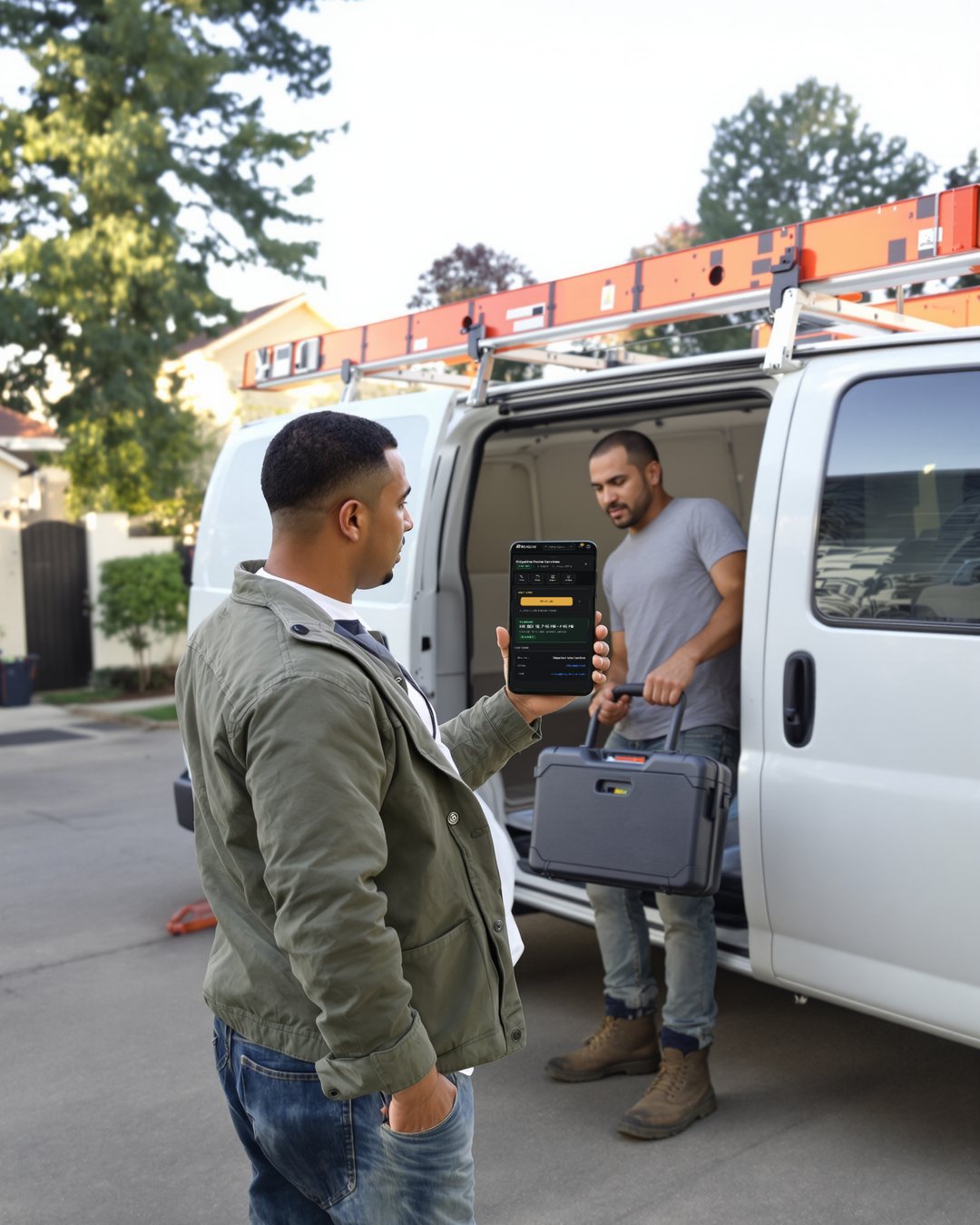
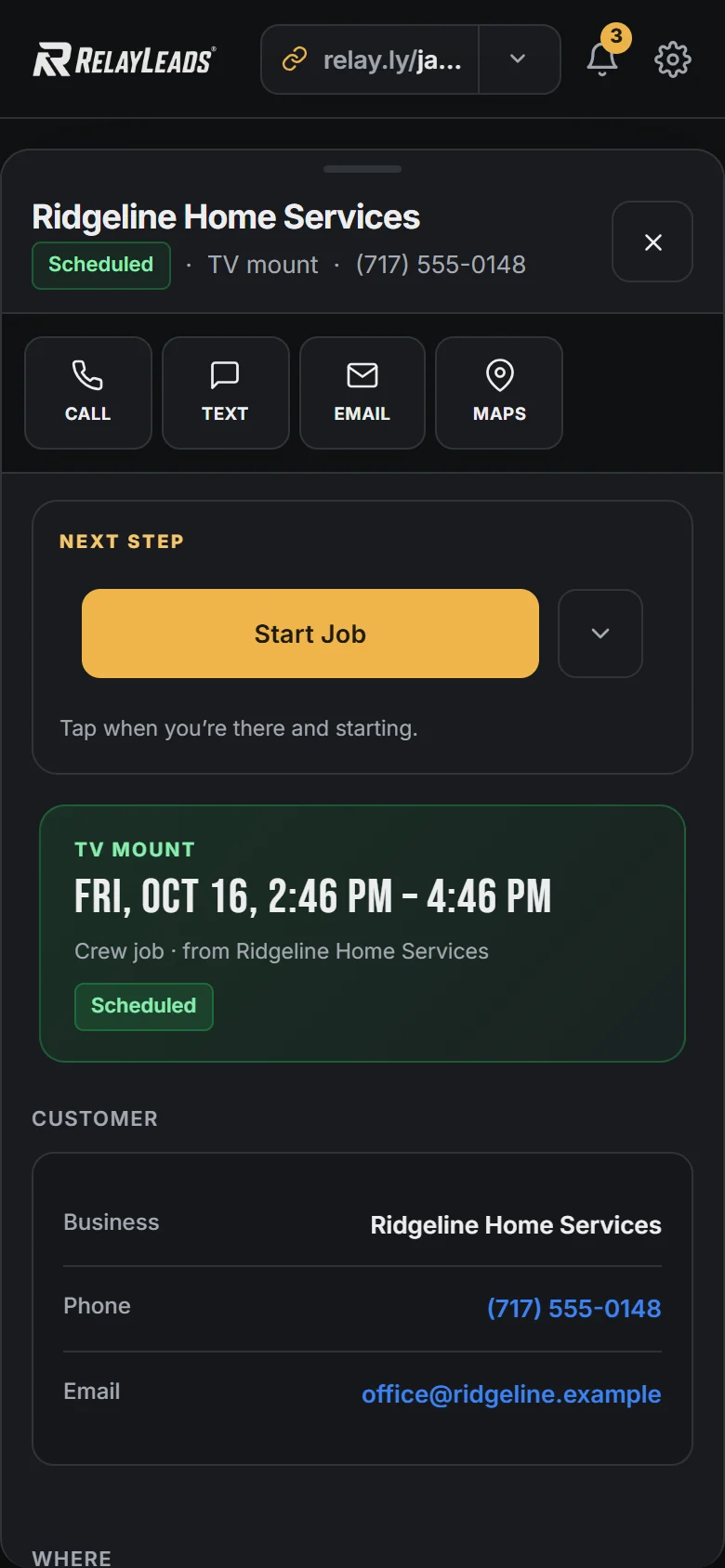
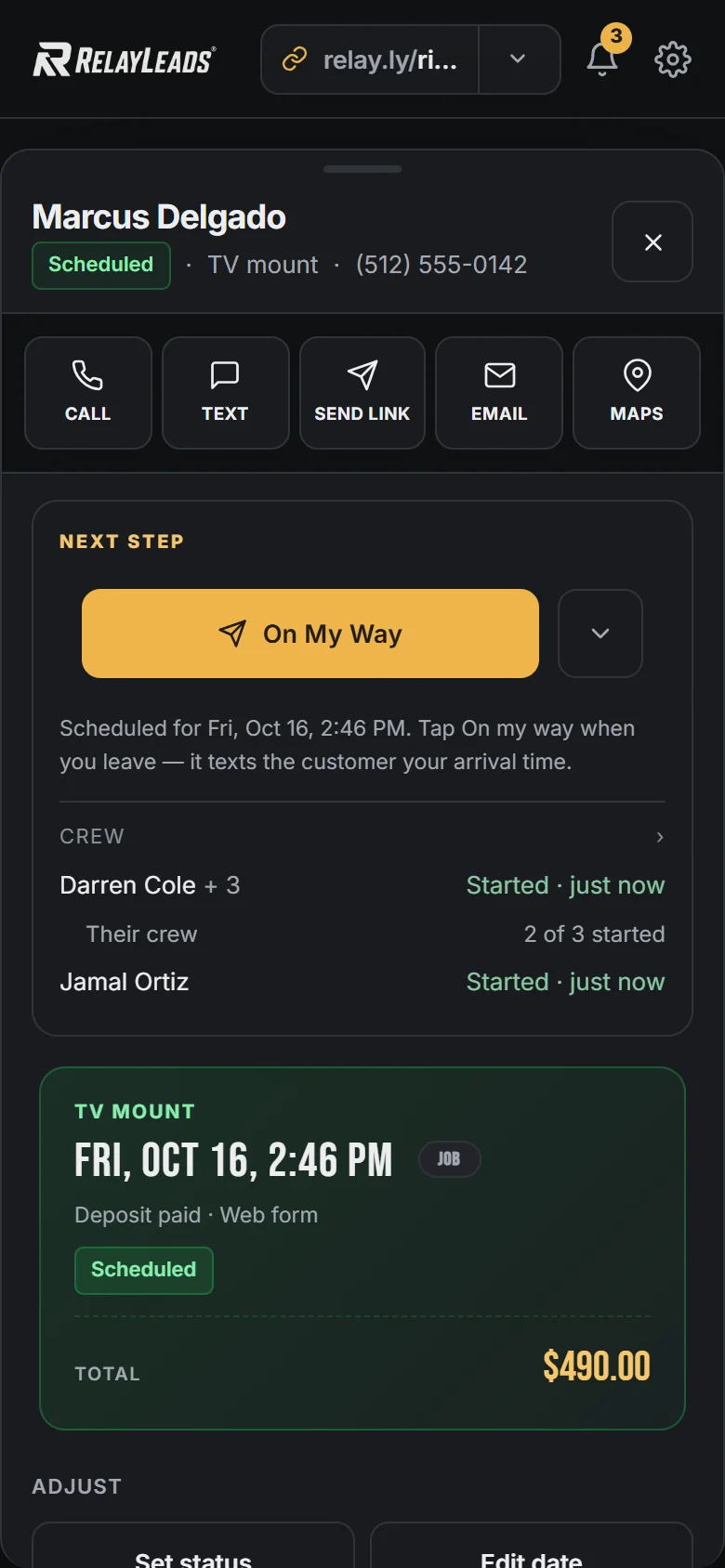
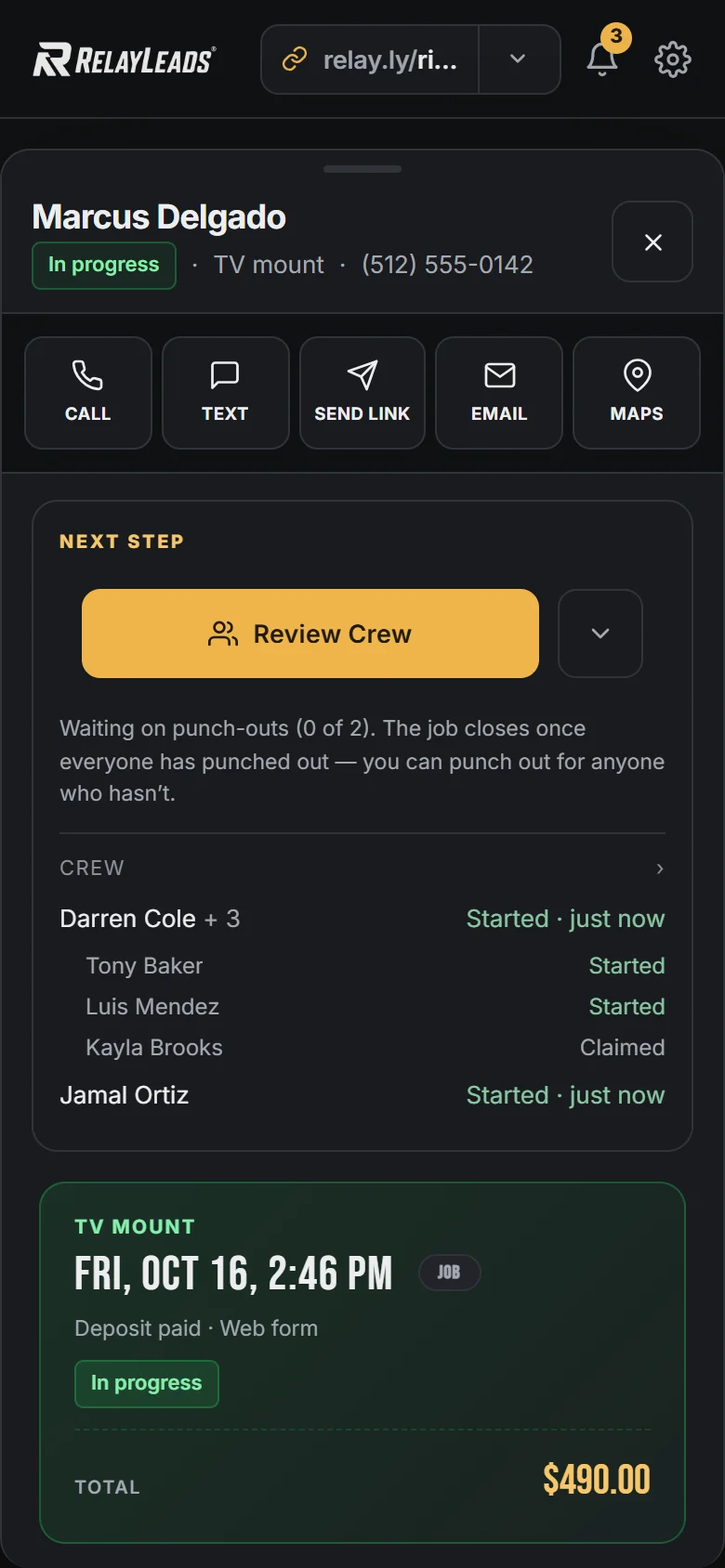
Your Next Step shows who's in, who's started and who's done. Once every punch list is in, you close the job and send the final bill, so nothing slips through.
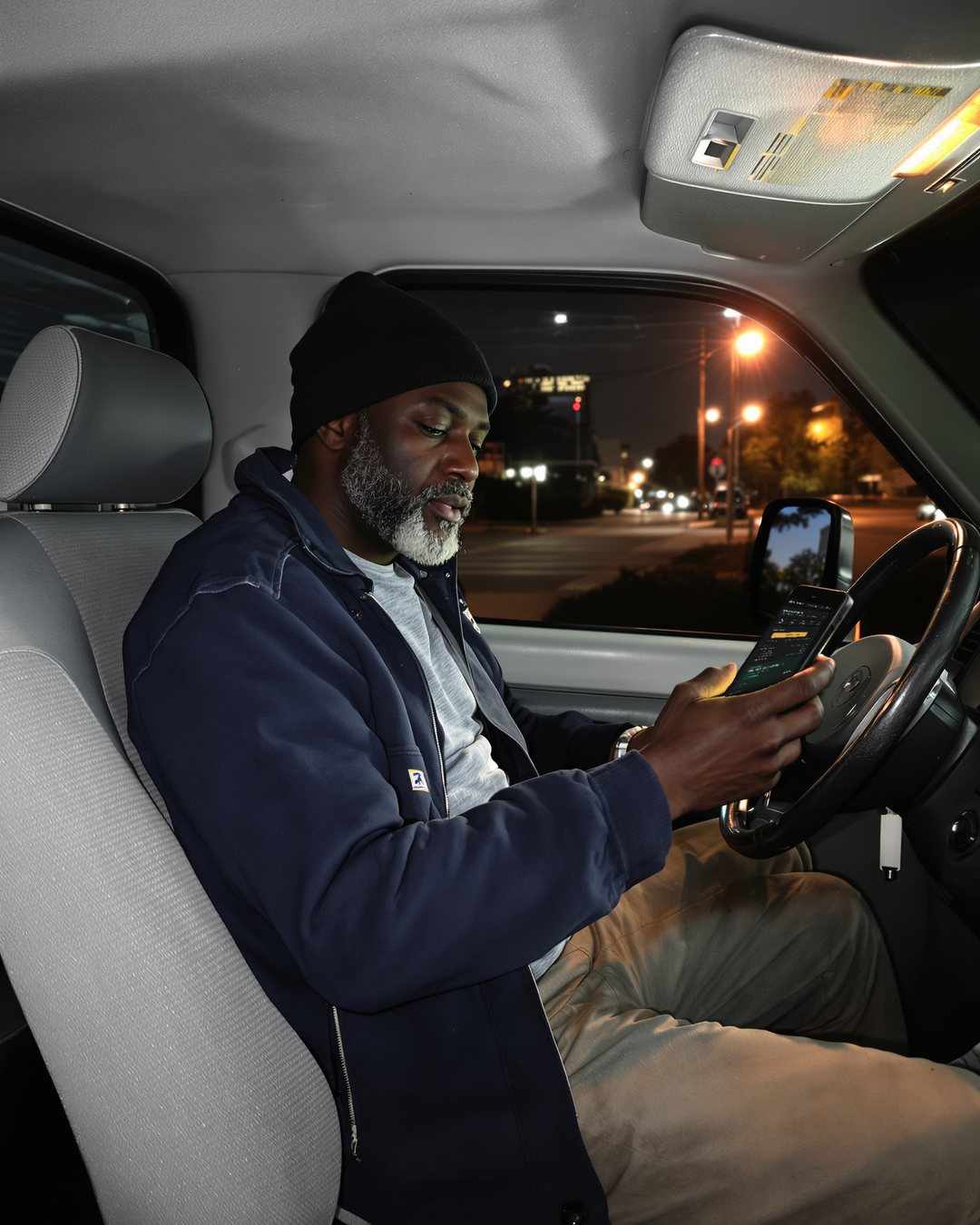
RelayLeads is what your customers see. RelayOS is the app you run it from. How they fit together →
No. Running a crew is part of RelayLeads Pro, so the business handing off the work pays. Joining a crew is free, always, and only needs a Google account. Each person gets their own RelayOS for the jobs you hand them.
They see your business where a customer would be. The address unlocks once they claim and locks again when the job closes. Your customer's name, phone, email and prices are never shown.
No. Hand someone just a note, like "help load the truck", and their part closes with the job. Moving jobs start that way by default.
Yes. They use the same crew screen on their part. You always see how many they brought and how far along they are, and their names if they choose to share them.
Enter your business. We build the rest.
Free, takes about two minutes, no credit card. Your page, booking flow, and dashboard — built from a few quick questions.
Start here We'll find your business on Google and build your booking page.